
Her consultation.
You, beside her.
Nine steps, from the iPhone in your room to a plan signed together. About fifteen minutes, with your clinician at every step.

A closer look,
step by step.
The first two steps belong to your team. From welcome onward, the patient explores her own screens with you beside her.
The scan.
Your team uses the clinic’s iPhone to capture five photographs with depth: front, two three-quarter views and two deeper three-quarter views. A voice guides the head turn.
The scan takes under a minute. Use a Face ID iPhone from the iPhone 11 onwards; no SIM is needed.
Five photographs with depth · Front and four angled views
On your screen.
The scan is sent over Wi-Fi and the consultation screen picks it up within two seconds. No cable and no code to type.
The temporary scan handoff is erased when collected, or after ten minutes.
Over your Wi-Fi. No cable. No code to type.
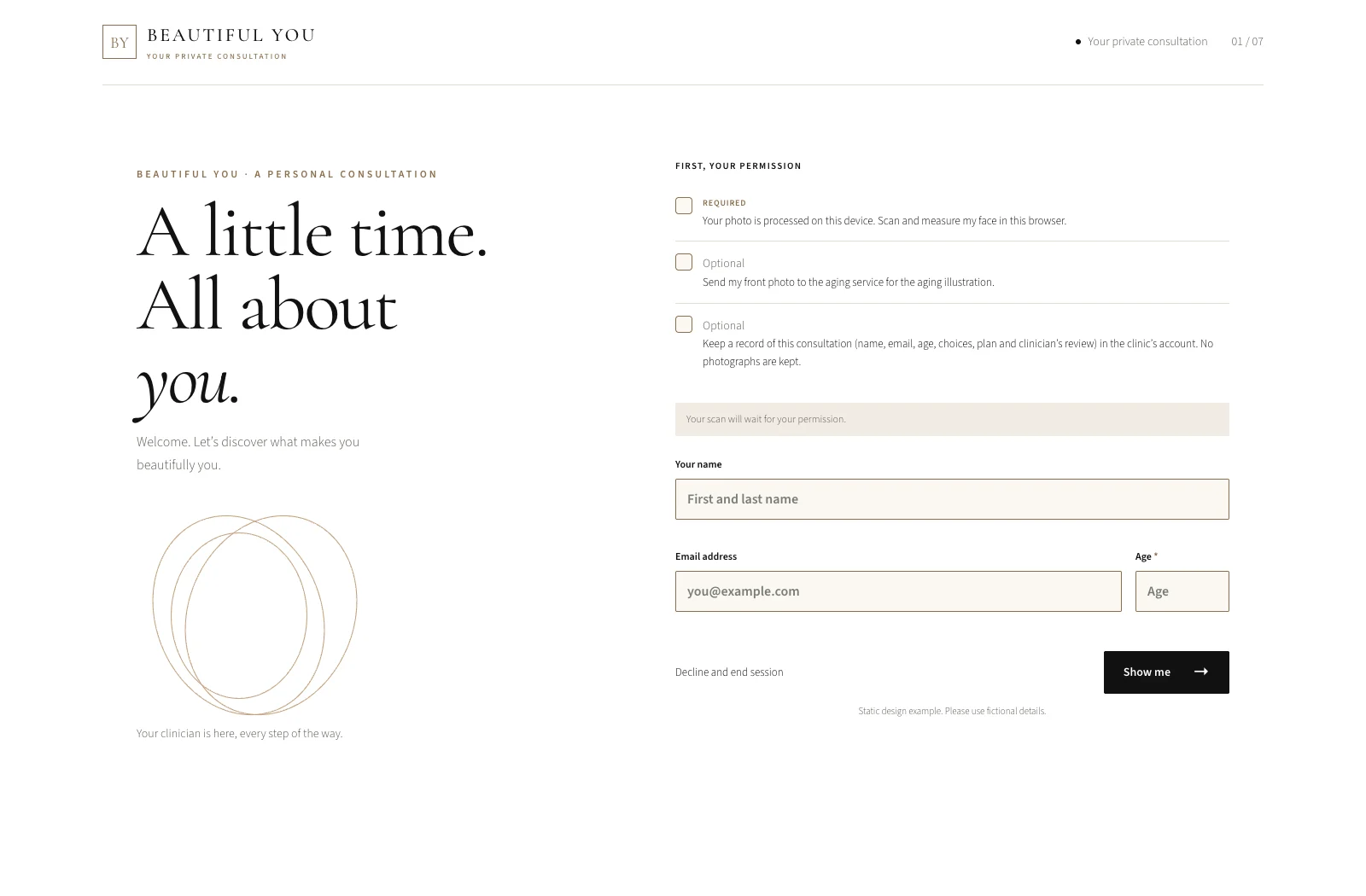
Welcome & consent.
Your patient chooses what she permits before processing begins. Required permission covers face measurement in the browser. Aging and saving a consultation record are separate, optional choices.
Processing begins when she gives the required consent, while she reads.
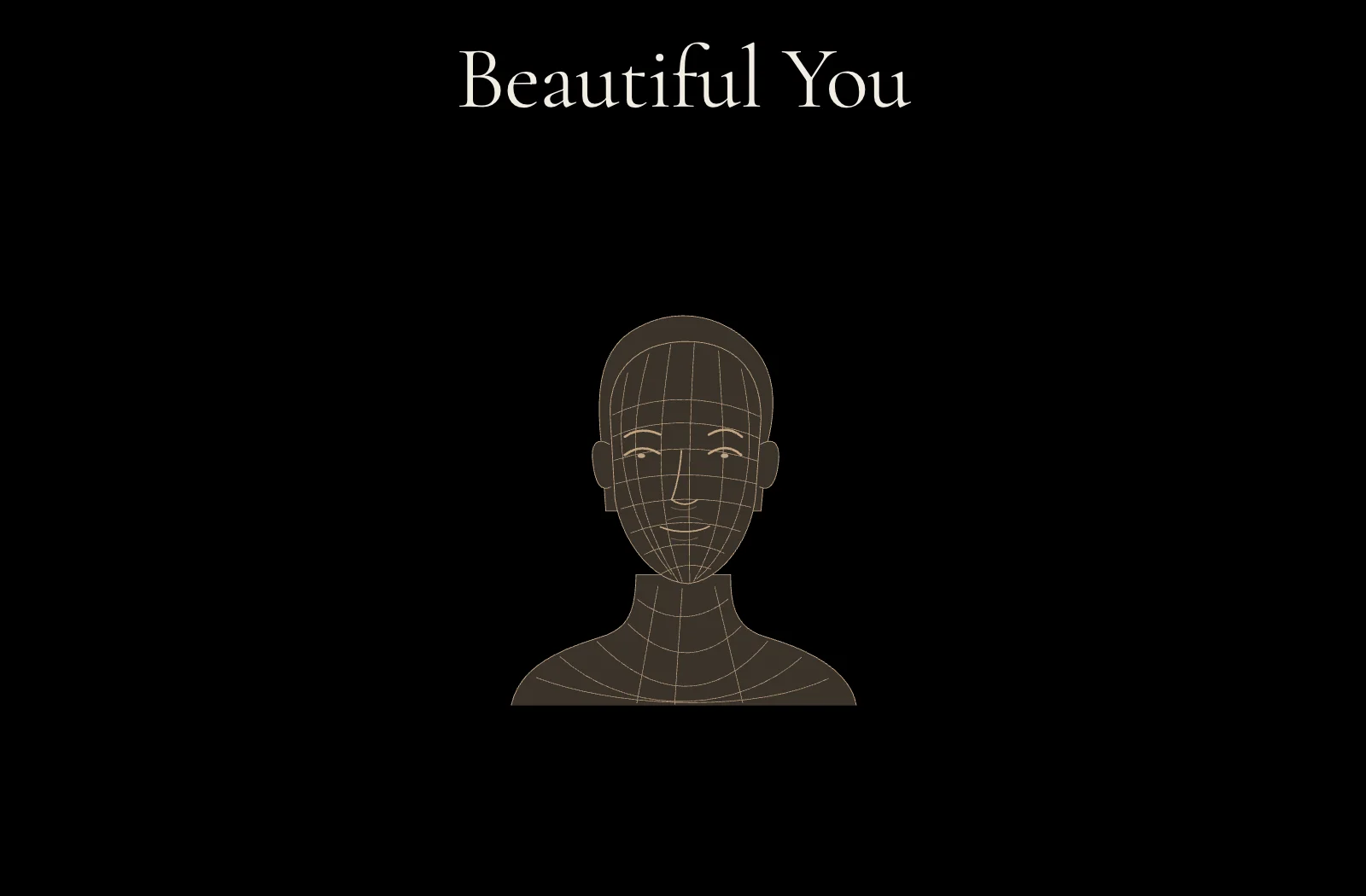
Beautiful You.
Her face, in 3D, turning on a black stage. Then three to six measured strengths, each with “How we measured this”.
Only what the scan can stand behind. No beauty score or face rating.

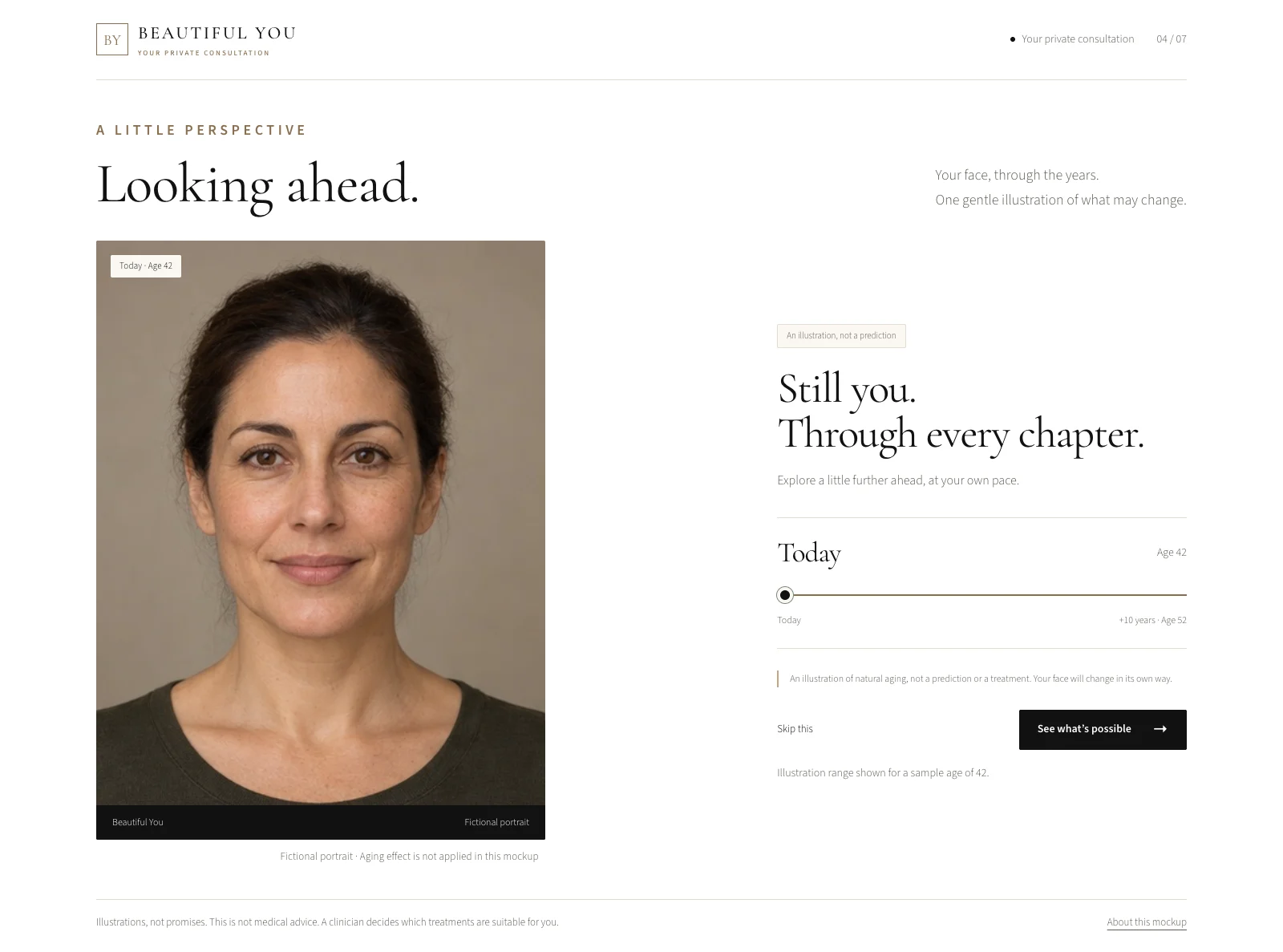
Looking ahead.
Natural aging, illustrated on her own front photograph. She can move the slider, and she can skip this step.
The horizon follows her age: up to 20 years under 30, 10 years from 30 to 55, and 5 years from 56 onwards.
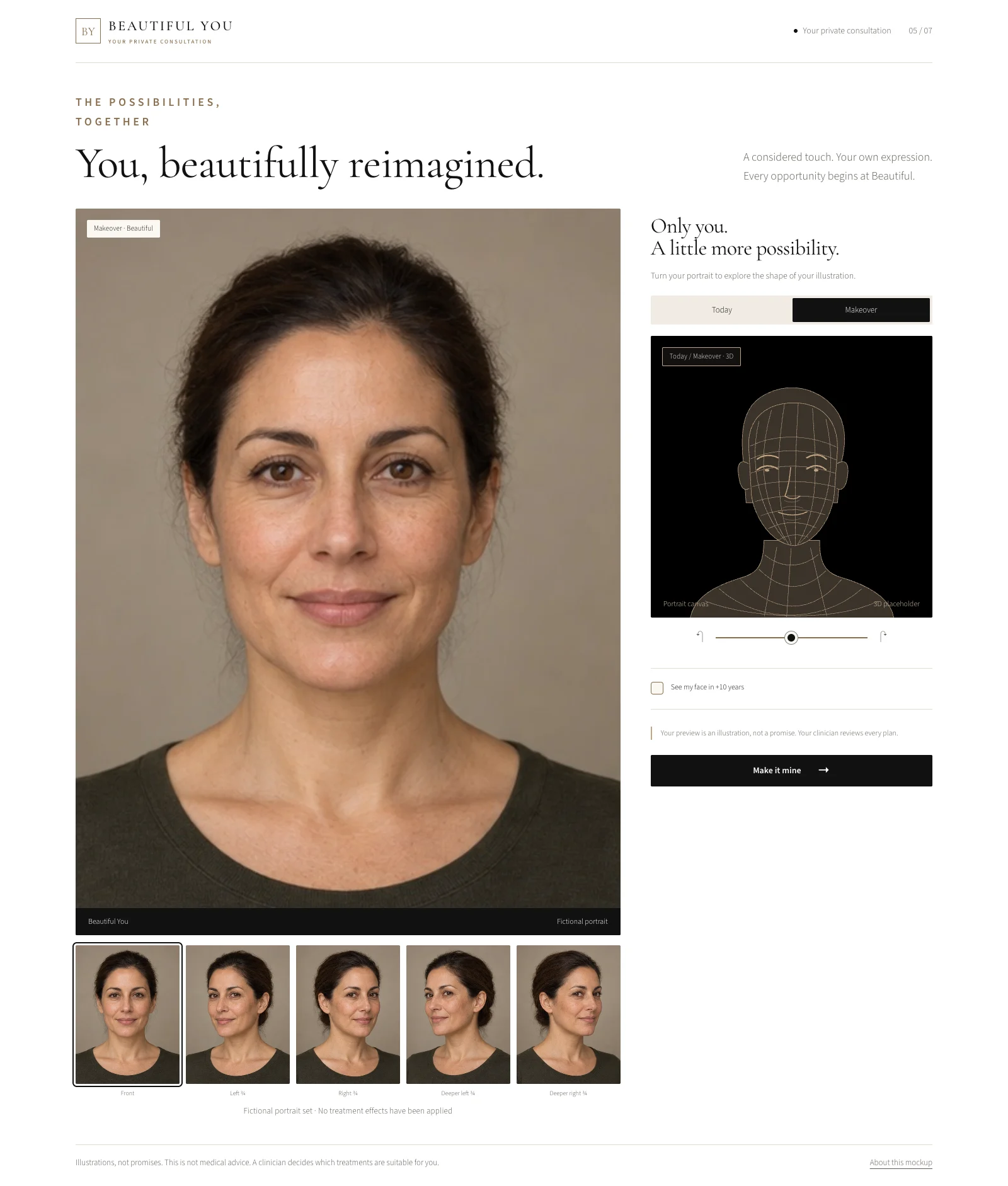
The reveal.
Every suggested treatment is applied at the Beautiful level, across all five views and through the 3D turn.
Today and Makeover remain her own face. Every preview is an illustration, not a prediction.
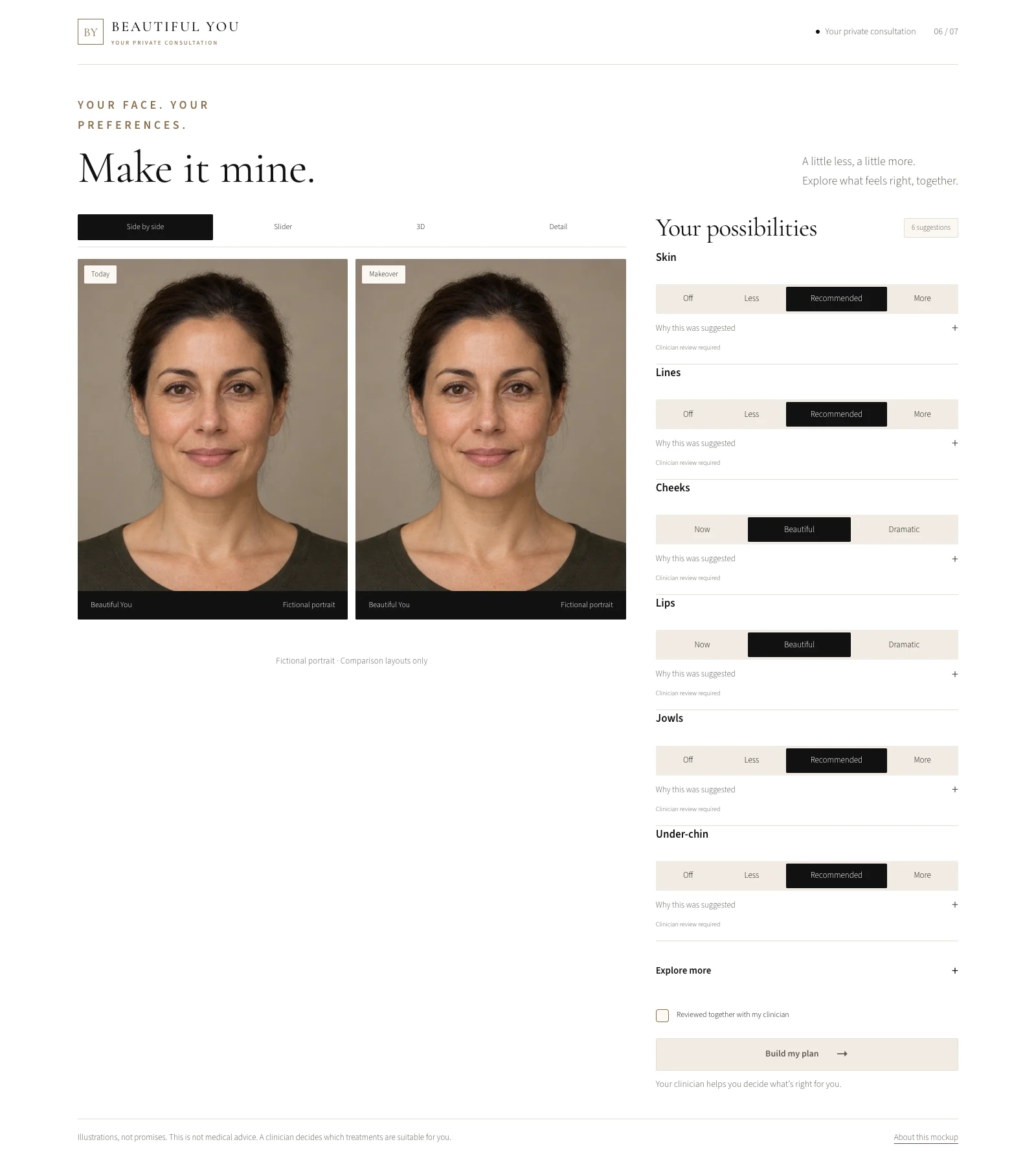
Make it mine.
Her face stays fixed as she turns each treatment up, down or off. Each suggestion includes “Why this was suggested”.
Shape treatments have levels. Threads, lasers and RF microneedling are a plain Yes or No.
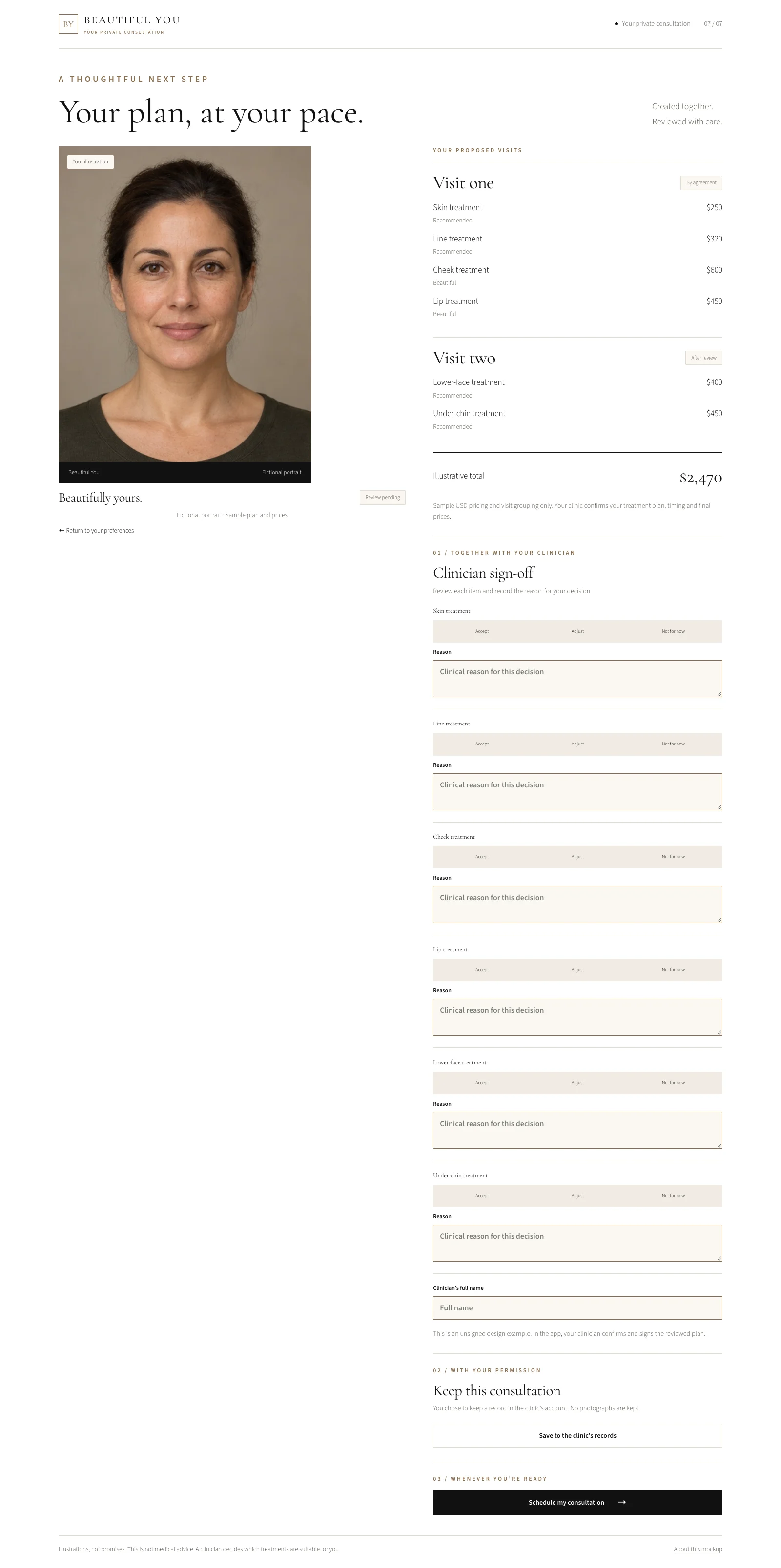
Your plan.
Treatments are organised by visit, with your prices and a total. Your clinician reviews each line: Accept, Adjust or Not for now, with a reason and a signature.
Saving the consultation to your clinic’s records is optional. No photographs are kept in that record.
Schedule.
The patient leaves with a plan you have reviewed together, and can continue to your clinic’s own booking link.
Your team keeps the clinical relationship and the next conversation.
Your booking link.
The patient continues to your existing booking experience. Beautiful You is a consultation tool, not a booking system.
Online, too.
Still her own face.
Place Beautiful You on your clinic’s website, or send patients a link. They take five guided selfie photographs using their phone or laptop camera.
By default, their makeover is sent by private email link, with text delivery optional. Your clinic can choose to show it on screen instead. The private link re-renders the makeover on their own device and expires after your retention period: 14 days by default.
No patient app to install. The iPhone app is for your staff.
How private links and retention work